
Top AI Tools Every Virtual Assistant Should Use in 2026
Published
Jan 11, 2026
Topic
AI & Technology
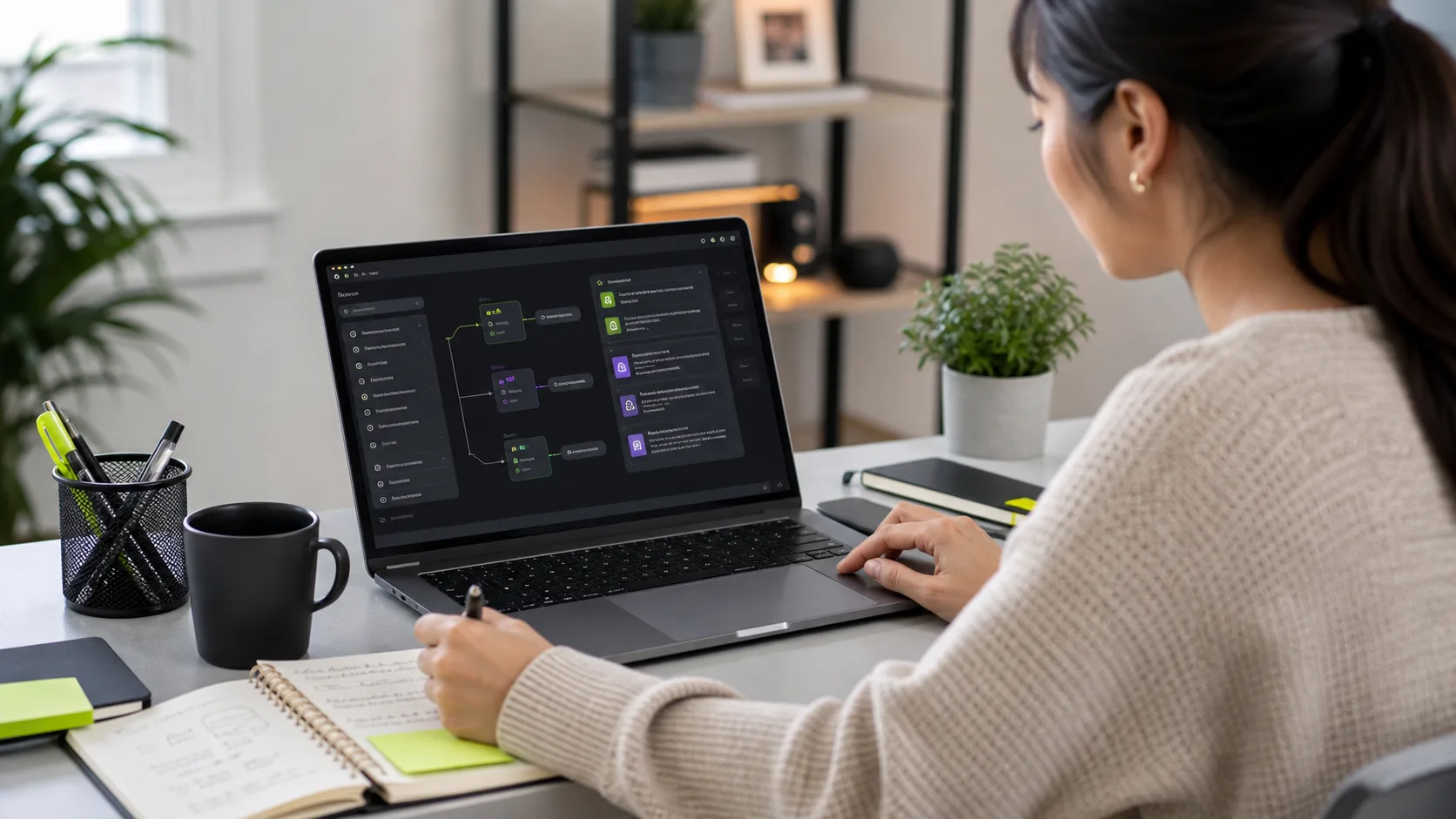
In 2023, AI tools were a curiosity for VAs — interesting to experiment with but not yet central to professional workflow. In 2026, they are table stakes. A VA who doesn't use AI tools is like a data analyst who doesn't use Excel: technically capable, but operating at a fraction of the potential throughput. The VAs generating the most value for their clients — completing more tasks, producing higher-quality output, spotting problems before they escalate — are the ones who have deliberately built AI tools into their core workflows. This isn't about replacing human judgment. It's about amplifying what a skilled human can accomplish per hour. This guide covers the specific tools that are genuinely earning their place in professional VA workflows in 2026 — not a comprehensive list of everything available, but the ones that demonstrably move the needle on VA output quality and speed.
Writing and Communication: Claude and ChatGPT
For written output — email drafts, client communication, meeting summaries, reports, SOPs, research summaries — Claude (Anthropic) and ChatGPT (OpenAI) are the core tools. Claude consistently outperforms on long-context tasks: analyzing lengthy documents, maintaining nuance across extended drafts, and producing structured professional writing. ChatGPT performs strongly on conversational drafting, creative variation, and tasks that benefit from a more informal voice. The practical VA workflow: use Claude for anything requiring careful analysis or extended context (summarizing a 30-page brief, drafting a detailed project proposal, researching and synthesizing competitive intelligence). Use ChatGPT for high-volume first-draft generation where speed and variation matter more than depth. Neither tool's output should go to a client without a human review pass — but a VA reviewing and editing AI output is 3–4x faster than writing from scratch. Prompt quality determines output quality. VAs who have invested in learning effective prompting techniques — providing context, specifying format, iterating with follow-up instructions — produce dramatically better AI output than those who paste a basic question and accept whatever comes back.
Meeting Transcription and Summarization: Otter.ai and Fireflies
Transcribing meeting notes has historically been one of the most time-intensive VA tasks: attending or recording a 60-minute call, then spending 30–45 minutes producing an accurate summary with action items. Otter.ai and Fireflies.ai have essentially automated this workflow. Both tools join video calls automatically (Zoom, Google Meet, Microsoft Teams), transcribe in real time, and generate structured summaries with action items within minutes of the call ending. Otter.ai is stronger for real-time note-taking and live sharing of transcripts during calls. Fireflies is stronger for post-call analysis, topic tagging, and integration with CRMs like HubSpot and Salesforce — action items sync directly into the CRM without manual data entry. For a VA managing meeting follow-ups for an executive, Fireflies typically saves 90–120 minutes per week across 3–4 meetings. The human VA's role shifts from transcription to review and priority judgment — deciding which action items need immediate follow-up, flagging decisions that need escalation, and ensuring the summary accurately reflects intent rather than just words.
Research and Summarization: Perplexity AI
Web research is one of the highest-frequency VA tasks and one of the most time-variable ones — a simple competitor research request can take 20 minutes or 3 hours depending on how scattered the sources are. Perplexity AI has become the fastest research tool for VAs because it searches the live web, synthesizes results with citations, and returns structured answers rather than a list of links to manually review. For tasks like "find the pricing pages for these 10 SaaS competitors and summarize their tier structures" or "research the latest employment law changes affecting remote workers in Germany," Perplexity returns usable structured information in under 2 minutes that would take a manual researcher 20–40 minutes. The critical VA skill with Perplexity is verification: it occasionally misattributes sources or produces plausible-sounding facts that are slightly wrong. High-stakes research (legal, financial, strategic decisions) always requires spot-checking primary sources. For lower-stakes research — market sizing, competitor monitoring, background on a prospective client — Perplexity is consistently fast and reliable enough to use as a first-pass tool.
Automation and Workflow: Zapier and Make
The most productive VAs are not the ones who do the most tasks manually — they're the ones who automate the repeating handoffs so they can focus on judgment-intensive work. Zapier and Make (formerly Integromat) are the two dominant no-code automation platforms that allow VAs to connect apps and trigger actions without writing code. Practical examples from real VA workflows: automatically add new form submissions from Typeform to a Google Sheet and send a Slack notification to the founder; pull new emails matching a specific filter into a Trello task card with sender details and deadline; sync invoices created in QuickBooks to a shared reporting Google Sheet on a daily schedule. Zapier is easier for simple two-step automations and has the broadest app library (6,000+ integrations). Make is more powerful for complex multi-step workflows with conditional logic and is often cheaper at higher task volumes. A VA who builds 3–4 automation workflows per client engagement typically saves 2–4 hours per week in manual handoff tasks — time redirected to higher-value work. remotevastaff.com trains all VAs in Zapier fundamentals as part of onboarding.
Content and Design: Canva AI and Adobe Firefly
Social media management VAs have historically faced a bottleneck at image creation: either the business provides all visuals or the VA waits for the design team. Canva's AI features (Magic Design, Magic Write, background removal, brand kit templates) have largely resolved this for standard social content. A VA managing a business's LinkedIn presence can now produce 20–30 branded, on-format image posts per month using Canva without design training. Adobe Firefly (integrated into Adobe Express) offers higher-quality AI image generation for brands with more sophisticated visual requirements. The practical workflow: the VA uses Canva Magic Design to generate post templates based on the brand kit, writes copy with AI assistance, uses the AI background removal tool to prepare any product photos, and schedules everything via Buffer or Hootsuite. This full content pipeline — from brief to scheduled post — takes approximately 15–20 minutes per post instead of 45–60 minutes without AI tools. For VAs managing multiple social channels for a client, this efficiency gain translates directly to capacity for more channels or more client accounts at the same monthly rate.
Project and Task Management: Notion AI
Many VAs already use Notion for client wikis and SOP documentation. Notion AI extends this into a practical productivity layer: summarizing long project notes into action items, drafting SOPs from a rough voice note or bullet list, generating weekly status report templates pre-filled with project data from linked databases, and answering questions about documented processes ("what's our process for handling refund requests?") without requiring the VA to manually search through pages. For VAs managing multiple clients simultaneously, Notion AI saves 20–30 minutes per week on documentation and reporting tasks per client. The more structured the Notion workspace, the better Notion AI performs — it draws on the documented content quality. Setting up well-structured client workspaces in month one pays compound dividends as AI surfaces relevant information more accurately over time.
Building an AI-Augmented VA Workflow
The VAs generating the most value in 2026 are those who have deliberately mapped AI tools to specific workflow stages rather than using AI sporadically when they remember to. A practical framework: at the start of each day, use Otter.ai to review any overnight call summaries and flag action items. During research tasks, run Perplexity first for rapid context, then verify key facts with primary sources. For all written output, draft with Claude or ChatGPT and review before sending. For repeating handoffs (form submissions, report generation, cross-app data movement), build Zapier automations in the first week and eliminate the manual step permanently. For content production, build Canva templates in week one and use AI variation for ongoing posting. For documentation, use Notion AI to generate first-draft SOPs and review for accuracy. This is not a technology recommendation list — it's a workflow philosophy. AI tools compound in value when they're integrated into systematic processes rather than used ad hoc. Agencies like remotevastaff.com whose VAs operate on AI-augmented workflow standards consistently deliver higher output quality and task throughput than agencies whose VAs work without AI tool training.
Frequently Asked Questions: AI Tools for Virtual Assistants
Which AI tools are most important for VAs to know in 2026? The core stack: Claude or ChatGPT (writing and research), Perplexity (web research), Otter.ai or Fireflies (meeting transcription), Zapier or Make (automation), Canva with Magic Design (content creation), and Notion AI (documentation). A VA proficient in all six covers the full range of AI-accelerated VA workflows. How much faster does AI make a VA? Benchmark comparisons: email drafting 3–4x faster; research summaries 5–10x faster; meeting notes 4–6x faster (transcription-to-summary); content creation 2–3x faster; SOP documentation 2–3x faster. Individual results vary by task complexity and prompt quality. Should clients pay extra for AI-proficient VAs? Yes. AI-augmented VAs command a 20–35% rate premium, but their cost-per-completed-task is typically lower than non-AI VAs at standard rates because they complete significantly more tasks per hour. Evaluate on task throughput, not hourly rate alone. Are there tasks where AI tools hurt VA quality? Yes. Client-facing communication sent without human review, research output not verified against primary sources, and any task involving sensitive personal data processed through public AI tools are the three highest-risk areas. AI tools require human oversight to maintain quality and compliance standards.
Related Services
AI-Augmented Admin Virtual Assistant
Human VAs trained in ChatGPT, Claude, Zapier, and Notion AI. They handle your calendar, inbox, research, and workflow automation — delivering significantly more output than a standard hire at the same cost.
Learn More →Customer Support Virtual Assistant
Dedicated VAs managing live chat, email tickets, and DMs across Zendesk, Freshdesk, Intercom, and Help Scout. Business hours, extended, or 24/7 coverage available — keeping your customers happy and your backlog clear.
Learn More →Social Media Virtual Assistant
Full social media management across Instagram, LinkedIn, Facebook, TikTok, and X. Your VA handles content scheduling, community management, DM responses, hashtag research, and monthly analytics reporting.
Learn More →