
Best Tools Virtual Assistants Use to Stay Productive
Published
Feb 2, 2026
Topic
Resources
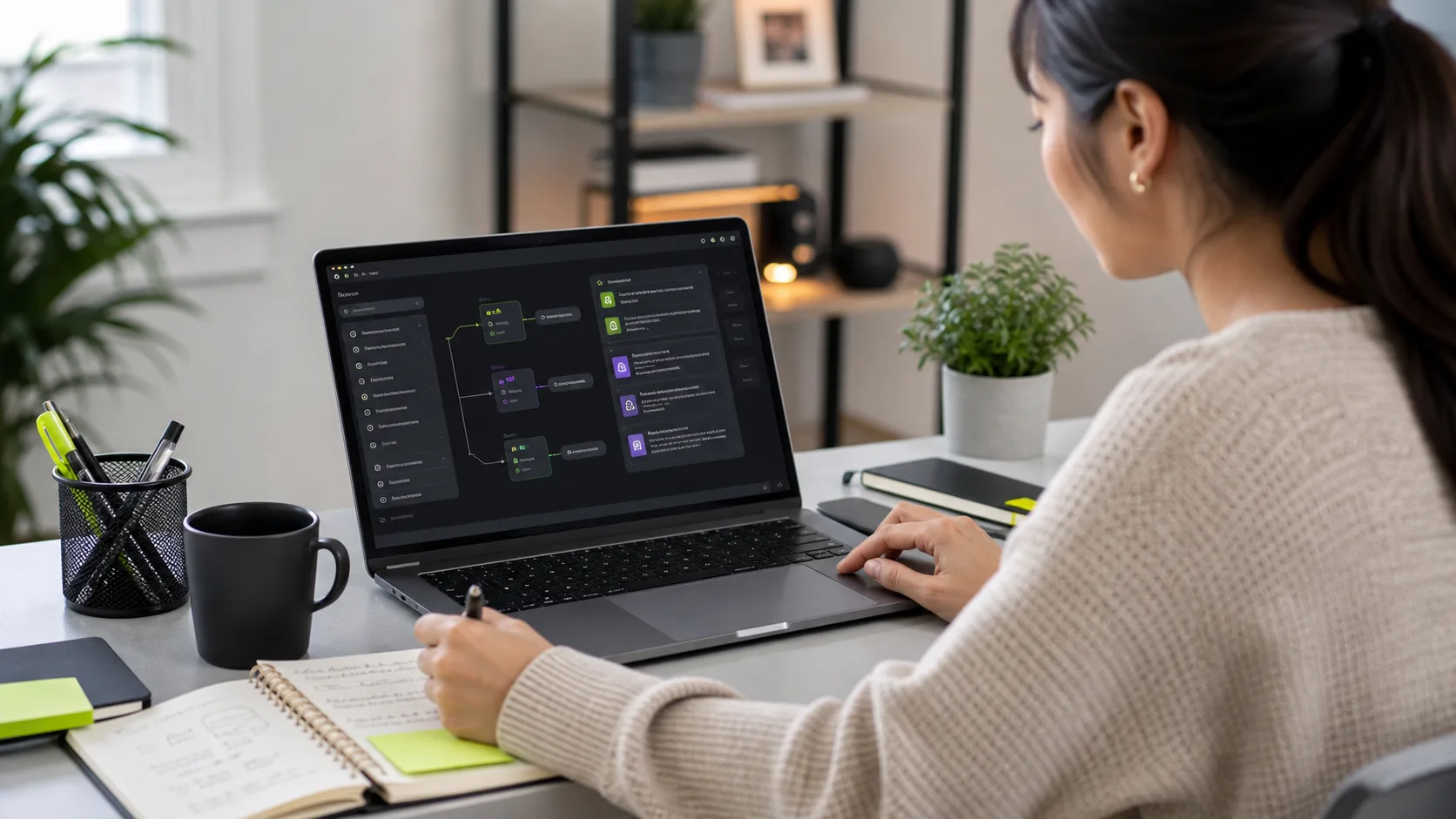
There is a growing performance gap between virtual assistants who have mastered the right productivity stack and those who are completing the same tasks manually that tools could automate or accelerate. This gap was always present — the VA who used Calendly instead of email scheduling, or who used Loom instead of long written explanations, consistently outperformed the one who did not. But the gap has widened dramatically since 2023. AI tools like ChatGPT and Claude, combined with automation platforms like Zapier and Make, have changed what is possible in a VA working day. A trained, well-equipped VA today produces output that would have required significantly more hours or a larger team just three years ago. This guide covers every tool category that defines a high-performing VA in 2026, with practical guidance on what to look for when assessing a new VA's proficiency.
Communication Tools: Slack, Zoom, and Loom
Communication tools are the infrastructure of every VA relationship, and the quality with which a VA uses them determines how much friction the working arrangement creates. Slack is the standard for async messaging in most modern businesses — a high-performing VA uses it with discipline: threading conversations so discussions do not clutter channels, using status indicators to signal availability, and sending structured messages that include context, the specific ask, and any relevant deadline rather than sending fragmented messages that require multiple follow-ups. Zoom and Google Meet are the standard video tools — a VA who joins calls with reliable audio, a professional background, and a prepared agenda is immediately more valuable than one who treats calls as informal chats. Loom is the most underused tool in VA communication and one of the most valuable: a 90-second Loom screen recording conveys nuance that would take a paragraph of text to describe, and can be watched asynchronously by the founder without requiring a scheduled call. VAs who default to Loom for process questions, handover notes, and quality queries save significant back-and-forth time in the first month of any engagement.
Project Management Tools: Asana, Notion, ClickUp, and Trello
Project management tool proficiency is one of the clearest differentiators between a VA who creates operational clarity and one who creates operational confusion. Asana is the strongest tool for task management in team environments: its dependency tracking, timeline view, and custom project templates make it effective for VAs managing multiple recurring workstreams simultaneously. ClickUp offers similar capability with more flexibility in how work is structured, making it popular with businesses that have complex custom workflows. Trello uses a visual Kanban board model that suits businesses with simpler, stage-based workflows — particularly effective for content production pipelines and client onboarding processes. Notion sits at the intersection of project management and knowledge base: it is the strongest tool for building and maintaining the living brief, process documentation, and content templates that underpin a high-performing VA arrangement. A VA proficient in Notion can build an operational system for a small business from scratch in a working week — documenting every process, building every template, and creating a shared workspace that becomes a genuine business asset.
Calendar and Scheduling Tools: Calendly, Google Calendar, and Cal.com
Scheduling tool proficiency directly affects the smoothness of one of the most commonly delegated tasks. Calendly is the standard for self-service scheduling — a VA who has set up Calendly correctly for a founder (with appropriate availability windows, buffer times, meeting type differentiation, and intake question forms) eliminates 90 percent of the back-and-forth that previously consumed scheduling coordination time. Google Calendar delegate access is the companion skill: a VA who can manage a shared Google Calendar — accepting and declining invitations on behalf of the founder, creating events with all relevant context, managing time zone conversions, and setting preparation reminders — handles the full calendar management scope without the founder needing to interact with the calendar at all. Cal.com is the open-source Calendly alternative, increasingly used by technical teams who want self-hosted scheduling infrastructure. Proficiency in any one of these tools, combined with an understanding of scheduling best practice (buffer times, focus blocks, time zone handling), is the foundation of effective calendar delegation.
AI Productivity Tools: ChatGPT, Claude, and Gemini
AI productivity tools have fundamentally changed what a VA can produce in an hour, and proficiency with them is now a meaningful differentiator in the hiring market. ChatGPT (GPT-4o) is the most widely used AI writing and research tool in VA workflows: it is used to draft first-version email responses that the VA then edits for accuracy and tone, to produce research summaries from provided source material, to generate SOP drafts from rough process descriptions, and to create social media content variations from a single brief. Claude (Anthropic) is particularly strong for longer-document work — contract review prep, meeting transcript analysis, detailed research synthesis, and writing that requires nuance rather than just factual accuracy. Gemini is Google's AI assistant, integrated directly into Google Workspace, making it the most frictionless AI option for VAs who work primarily in Gmail and Google Docs. A VA who uses these tools strategically — applying them where they accelerate output rather than replacing judgment — produces work that rivals what larger teams achieve without the AI leverage. This is the core of what makes remotevastaff.com VAs different: every assistant is trained in AI tool application before placement.
Automation Tools: Zapier and Make
Zapier and Make are the tools that separate VA arrangements that save hours from VA arrangements that eliminate entire task categories permanently. Both platforms enable no-code workflow automation — connecting apps and triggering actions automatically when defined events occur. A Zapier automation that moves every new Typeform submission into HubSpot CRM eliminates a daily data entry task indefinitely after a one-time setup. A Make scenario that pulls newly published Shopify orders into a Google Sheet for the VA's daily review removes a manual monitoring task from the VA's workflow. A Zap that creates a Trello card every time a new email arrives from a VIP client ensures that important emails are never missed even if the VA is managing a high-volume inbox. Proficiency in Zapier or Make is a skill multiplier: every automation a VA builds reduces their own workload in a given area, freeing that time for higher-value tasks. When assessing a VA's automation proficiency during hiring, ask them to describe a specific automation they have built, what it replaced, and how long it took to set up versus how many hours it saves per month.
Design Tools: Canva and Adobe Express
Design tool proficiency matters most for VAs handling social media, content production, or marketing support. Canva is the standard: its brand kit functionality, template system, and multi-format export capabilities make it accessible to non-designers while producing professional-quality output. A VA proficient in Canva can take your brand assets (logo, colour palette, fonts) and build a template library covering every content format you publish — Instagram posts, LinkedIn headers, email banners, presentation slides, and report covers — within their first week. Adobe Express offers similar functionality with stronger integration into the Adobe Creative Suite, making it the better choice for businesses that already use Adobe tools in their design workflow. When assessing a VA's Canva proficiency, give them a brand brief and ask them to produce three on-brand social graphics. The quality and speed of that output is a more accurate signal than any self-reported proficiency rating.
Time Tracking and File Management Tools
Time tracking tools are increasingly common in VA arrangements, particularly for part-time engagements where hours are billed as they are worked. Hubstaff and Time Doctor both offer screenshot capture alongside time logging, providing visual verification of active work time that many clients request for offshore arrangements. Toggl and Clockify are lighter-weight options — simpler to use and better suited to VAs who manage their own time tracking rather than being monitored. Harvest integrates time tracking with invoicing, useful for VAs who also manage client billing. For file management and document storage, Google Drive is the universal standard: it is the shared workspace for most client–VA relationships, with clear folder structures and permission controls. Dropbox Business is the preferred alternative for clients with larger file storage needs or existing Dropbox infrastructure. For document signing — contracts, service agreements, NDAs — DocuSign and HelloSign (now Dropbox Sign) are the standard tools, with PandaDoc offering a stronger all-in-one proposal-to-signature workflow for VAs managing client contracts. A VA proficient in the combination of Google Drive, a time tracking tool, and DocuSign covers the full document lifecycle from creation through storage to signature.
How to Assess a VA's Tool Proficiency Before Hiring
Tool proficiency is easy to claim and easy to test — which means there is no excuse for skipping the assessment. The most reliable method is a scenario-based task test that requires the candidate to demonstrate proficiency in the specific tools your business uses. For an admin VA role: ask them to set up a Calendly booking page with specific availability rules, share the link, and explain the intake questions they would include. For a social media VA: ask them to schedule three posts in Buffer using a provided content brief, using a Canva graphic they produce for one of them. For an automation role: ask them to describe the last Zapier workflow they built, what apps were connected, what the trigger was, and what the action produced. Self-reported ratings on a scale of one to five are unreliable — everyone rates themselves a four. Demonstrated performance in a 30-minute test is accurate. Contact remotevastaff.com to access pre-vetted VAs whose tool proficiency has already been assessed across every category relevant to your business.
Frequently Asked Questions About VA Productivity Tools
Which tools does every VA need to know, regardless of role? At a minimum: Gmail or Outlook (email), Google Calendar or Outlook Calendar (scheduling), Slack or Microsoft Teams (communication), Google Drive (file management), and one project management tool (Asana, Trello, Notion, or ClickUp). Beyond this baseline, tool requirements depend on the specific role. Should I require a VA to use time tracking software? For part-time or hourly arrangements, time tracking software like Toggl, Clockify, or Hubstaff provides billing transparency and is standard practice. For managed service arrangements with a fixed monthly package, time tracking is typically not required — the deliverable and the availability window are what matter, not the hour count. Do I need to pay for all the tools my VA uses? For tools used exclusively for your business (your Canva account, your Buffer account, your CRM), yes. For tools the VA uses independently across clients (their own Notion, their personal productivity apps, their AI subscriptions), typically no — VAs in managed services usually bring their own productivity stack. What AI tools should I look for when hiring a VA in 2026? ChatGPT (GPT-4o), Claude (Anthropic), and Perplexity are the three most useful AI tools for VA workflows. A VA who can demonstrate specific use cases — not just familiarity — with at least two of these tools is operating at a meaningfully higher efficiency level than one using AI superficially.
Related Services
AI-Augmented Admin Virtual Assistant
Human VAs trained in ChatGPT, Claude, Zapier, and Notion AI. They handle your calendar, inbox, research, and workflow automation — delivering significantly more output than a standard hire at the same cost.
Learn More →Customer Support Virtual Assistant
Dedicated VAs managing live chat, email tickets, and DMs across Zendesk, Freshdesk, Intercom, and Help Scout. Business hours, extended, or 24/7 coverage available — keeping your customers happy and your backlog clear.
Learn More →Social Media Virtual Assistant
Full social media management across Instagram, LinkedIn, Facebook, TikTok, and X. Your VA handles content scheduling, community management, DM responses, hashtag research, and monthly analytics reporting.
Learn More →